Buy and activate
universal eSIM in minutes.
Stay connected globally with your Travel eSIM. Pay in Naira, Cedis, Shillings, Rand or US Dollars, and enjoy instant connection anywhere in the world.
Just Gadgets
Buy affordable gadgets from the comfort of your favourite app.

Virtual Dollar Card
Shop online, pay for services, or make international purchases.

Sell Gift Cards
Exchange unused gift cards for cash at amazing rates.

Bill Payment
Buy airtime, data, and pay utilities in 100+ countries.

Buy Gift Cards
Buy over 14,000+ local and international gift cards.

Virtual Bank Account
Open a Naira bank account for easy transactions.

Universal eSIM
Buy local and international eSIM with local payment methods.

Developer API
Integrate gift card services into your platform.

Blog
Get the latest news, articles, and updates from Cardtonic.

Rate Calculator
Check how much you get for your gift cards.

Upskill
MacBooks giveaway contest for tech enthusiasts.

#CTGivesBack
Learn about our community give-back initiatives.

Get In Touch
Reach out to us or follow us on social media.
Stay connected globally with your Travel eSIM. Pay in Naira, Cedis, Shillings, Rand or US Dollars, and enjoy instant connection anywhere in the world.
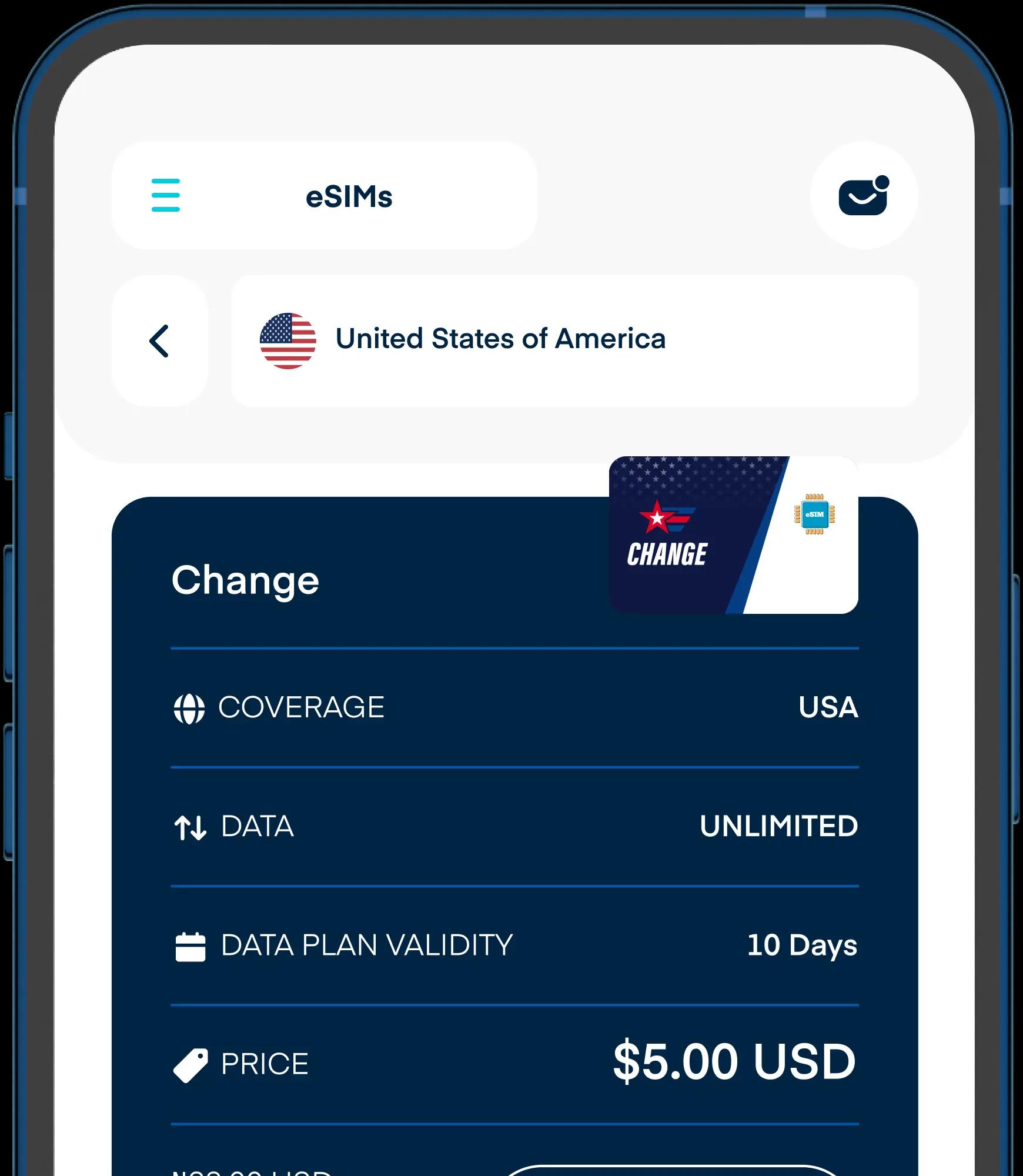
Cardtonic’s eSIM makes it easier to stay online anywhere in the world. Here are the benefits of using eSIM on Cardtonic:
Perfect for tourists, remote workers, or digital nomads.
From Lagos to London, Dubai to New York, Cardtonic offers eSIMs for over 140 countries, so you can stay connected no matter your destination
Buy and activate your eSIM in minutes without visiting a store or dealing with physical SIMs.
Keep your primary SIM active for calls or OTPs
Yes. You can sign up and buy an eSIM from almost anywhere. If your account is registered in Nigeria, Ghana, Kenya or South Africa, you can pay from your local wallet or USD Wallet. If you sign up elsewhere, you can pay from your USD Wallet.
An eSIM (embedded SIM) is a digital SIM that lets you activate a mobile plan without needing a physical SIM card. It works directly from your phone's settings.
Yes! You can buy your eSIM before travelling, so everything's ready when you arrive. However, the eSIM will only work once you're in the country it's designed for.
It’s simple! Open the Cardtonic app and tap on Bills and eSIM, then select eSIMs. Select a country, region, or global option, explore the available plans, and tap ‘Buy Now’ to purchase instantly. Once your payment is confirmed, your eSIM will be ready to install.
Once you’ve purchased your eSIM, go to the “My eSIMs” section in your Cardtonic app click on Install eSIM, to begin setup.
You’ll see two installation options, Direct Installation or QR Code / Manual Installation.
Option 1: Direct Installation
If your device supports it, choose Direct Installation. Your eSIM will sync and activate automatically, just follow the on-screen steps in the app, and you’ll be connected in seconds. No codes, no scanning, just tap, install, and go!
Option 2: QR Code Installation
If your phone doesn’t support direct setup, you can install your eSIM using a QR code. Here’s how:
1. In your Cardtonic app, tap QR Code on your eSIM details.
2. On your phone, open Settings → Mobile Network (or Cellular) → Add eSIM.
3. Scan the QR code displayed on your Cardtonic dashboard. Your eSIM will be added and activated instantly.
Option 3: Manual Installation
Prefer to do it manually? No problem. Tap View Instructions in your app to see a simple step-by-step guide. Follow the instructions to enter your eSIM details directly on your device, and that’s it, you’re online.
It depends on the type of eSIM you purchase. Cardtonic offers three categories: local, regional, and global. A local eSIM works only in the country it's purchased for and is ideal for single-country use. A regional eSIM covers multiple countries within the same region, while a global eSIM offers wider coverage across several regions or continents.
Most newer smartphones support eSIMs. You can check your phone's settings or model specifications to confirm compatibility. Cardtonic makes it even easier. Before buying an eSIM, you can quickly verify if your device is supported using the list of compatible devices provided in the app.
Absolutely. You can pay from any Cardtonic wallet: Naira, Cedis, Shillings, Rand or US Dollars. You can also fund your account by bank transfer or by selling a gift card. If your balance is in a different currency from the one you want to pay with, you can convert between your wallets during checkout.
Instantly. Once payment is complete, your eSIM QR code will appear immediately on your dashboard.
A data-only eSIM doesn't handle calls or SMS directly. To keep receiving texts and calls, simply keep your regular SIM active for communication while your eSIM provides internet access. You can also use apps like WhatsApp or FaceTime for internet-based calls and messaging.
Most eSIMs can only be installed once. If you delete or remove your eSIM from your device, it can't be reinstalled. You'll need to buy a new one to stay connected. To avoid this, do not delete or reset your eSIM profile once activated, and always complete the setup steps carefully.