eSIM vs. Virtual Number: Which One Do You Need?
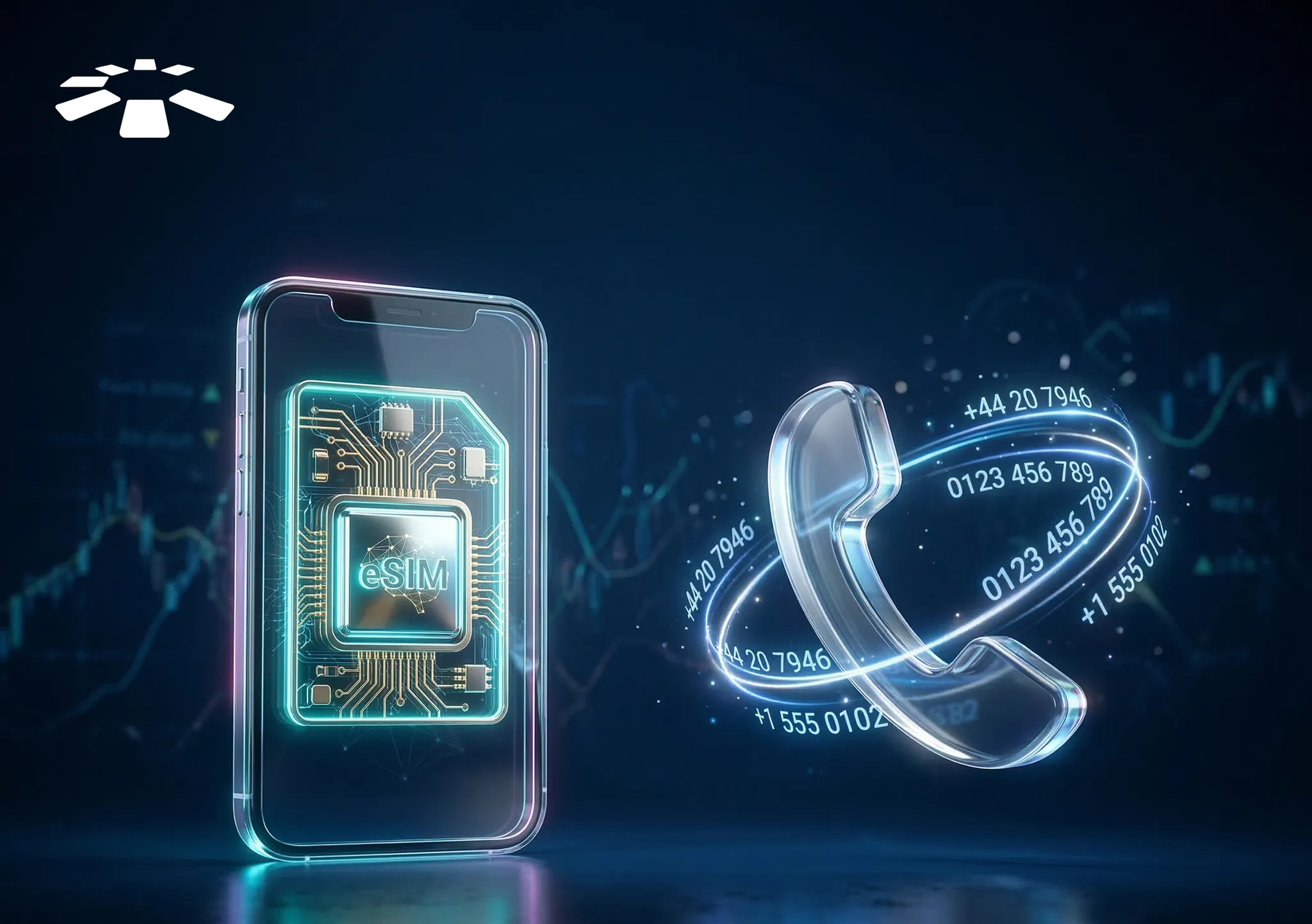
“Wait, what exactly is the difference between an eSIM and a virtual number?” I asked my friend in frustration after reading three different guides online, yet I still can’t decide which one will work best for me.
For context, I am traveling out of the country for the first time, and I want to ensure I stay connected to the internet throughout my stay so I can work while on the go. After all, that’s one of the many perks you enjoy as a remote worker.
I know eSIM and virtual numbers exist, but I don’t know which one will work for me in this situation. Fortunately, it only took my friend four minutes to explain the difference between them, and I was able to decide which one to choose.
In this guide, I will share the same explanation he gave me so you can easily decide whether you need an eSIM or a virtual number if you are in a similar situation.
What is an eSIM?
An eSIM is the digital version of a traditional SIM card. It works just like your current SIM: you can access the internet, make cellular (regular) calls, and send SMS, depending on whether it is a data-only or a voice & SMS-enabled eSIM.
The only difference is that you don’t have to insert it into your phone before you use it. And that is exactly why it is a convenient option for frequent travelers, remote workers, and people who want to switch to a different mobile network as soon as they land in a new country. It eliminates the hassle of purchasing a physical SIM card.
For instance, a remote worker like me who has just landed in a new country needs a local SIM to avoid data roaming charges. I.e., additional fees a mobile network charges you whenever you use your regular SIM to access the internet outside your home country. However, searching for a local SIM shop in a new country and the SIM registration process can be stressful and time-consuming.
That’s where eSIM comes in. I can easily get an eSIM online, activate it, buy a desired local data plan, and access the internet without data roaming charges.
What is a Virtual Number?
A virtual number is an online version of a regular phone number. It can send or receive calls and text messages. However, unlike your regular mobile phone numbers that use cellular networks, virtual numbers use Voice over Internet Protocol (VoIP) technology. This means you can only use it to make and receive calls when you have access to an active internet connection. It is not connected to a SIM card or physical device.
Here is how it works: if you have a virtual phone number, you need an internet connection to make and receive calls. However, someone with a regular phone can make and receive your calls without an internet connection.
Virtual numbers are useful for individuals and business owners who need a local phone number in a country, even if they are not physically present there. It also works for people who want to protect their privacy by using a separate number for business and personal use without multiple phones.
For instance, a Nigerian business owner can have a local US virtual number without leaving Nigeria. She can receive or make calls and send text messages to people in the US. This is useful because it is cheaper compared to using a regular phone number for international calls.
Major Differences Between eSIM and Virtual Number
An eSIM is a digital, built-in SIM card that lets you access the internet and make calls without inserting a physical SIM card. A virtual number, on the other hand, is an online number that requires an internet connection before you can make and receive calls and text messages. They also differ in terms of activation, cost, and device compatibility.
| Feature | eSIM | Virtual Number |
| Definition | A digital SIM that can access the internet and make online calls via apps like WhatsApp or FaceTime. | An online-based number that requires an internet connection to make or receive calls and text messages. |
| Cellular Calls and Messages | Only voice & SMS-enabled eSIMs can make and receive cellular (regular) calls and text messages. | It can receive internet-based calls and messages via VoIP. |
| Physical Sim Requirement | It doesn’t require a physical SIM, and a phone can have more than one eSIM profile. | It doesn’t require a physical SIM card and can be used on multiple devices, such as phones, tablets, and computers, simultaneously. |
| Activation | It can be activated by signing up with an eSIM provider, choosing your preferred region and data plan, and scanning a QR code from the provider. | It can be set up by signing up with a virtual number provider, choosing a number in a specific region, and managing calls and texts via the provider’s app or dashboard. |
| Cost | It varies based on the provider, number of coverages (i.e., supported countries), and data plan. | It varies based on provider, country, and number type. |
| Compatibility | It is not supported on all devices, especially old models. | It is supported on the majority of all internet-connected devices. |
| Best for | Individuals who want to access local data plans abroad without visiting local SIM shops and easily switch between mobile networks without purchasing a physical SIM card. | Business owners who need a local phone number in different countries without having a physical office, and individuals who want to maintain privacy by having a separate personal or business number without using multiple devices. |
eSIM vs. Virtual Number: Which One is the Best for You?
Now that you know the differences between an eSIM and a virtual number, I bet the next question on your mind is, “Okay, which one should I choose?”
Here is your ultimate guide: If you are traveling abroad or frequently travel between countries and want to stay connected to the internet without high data roaming fees, an eSIM is your best bet.
It works because you can easily get a local SIM and a local data plan in that country, which is cheaper and more convenient.
Even if you are not traveling outside the country, an eSIM can come in handy if you need a new SIM for data access and your phone has no physical slot left. Just get a local eSIM in your country, activate it, and voilà, you can access the internet with your new eSIM on your regular phone.
On the other hand, if you need a private phone number for personal use or business without purchasing multiple SIMs or a new device to manage them, a virtual number is your ideal option. You can get multiple virtual numbers and manage them on a single device to receive and make calls as long as you have an internet connection.
Additionally, it is a great option if you need a local phone number in different countries that can receive and make calls and messages without roaming charges.
Where to Get an eSIM in 2026
There are several reliable online platforms to get an eSIM. We have top eSIM providers like Cardtonic, GigSky, KeepGo, Redteago, and Firsty. However, I got mine on Cardtonic because my friend recommended it. And to be honest, it met my needs.
I didn’t have to worry if I could use the Cardtonic eSIM in my destination country, as it currently supports over 140 countries, and the activation process was smooth and fast, even as a first-time user. So, I recommend the Cardtonic eSIM to you, too. And of course, you can try other options; after all, the goal is to get an eSIM that meets your unique needs. Below is a video guide on how you can get an eSIM.
Frequently Asked Questions About Getting a Virtual Number and eSIM
1. Can I Use an eSIM and a Regular SIM at the Same Time?
Yes, you can use an eSIM and a regular SIM simultaneously on a dual-SIM phone. I.e., a phone that supports two phone numbers, either two physical SIM cards, one physical SIM and one eSIM, or two eSIMs. Modern smartphones, such as the iPhone 11 and later models, support eSIMs and regular SIMs.
2. Can I Use an eSIM to Make Regular Phone Calls and Send SMS
Yes, you can use a voice & SMS eSIM to make regular phone calls and send text messages. However, the majority of eSIM providers offer data-only eSIMs, which means you can only use them to make internet-based calls and text messages via apps like WhatsApp or FaceTime.
3. How Do I Know If My Device Supports eSIM?
It is simple: dial *#06# on your device. If it displays your EID number, it supports eSIM. Alternatively, if you’re using an iPhone, click “Settings” and select “mobile service.” If it supports eSIM, you’ll see the “Add eSIM” option. To check on an Android device, click Settings > Network/internet > SIMs. If it supports eSIM, you’ll see the “Add eSIM” option.
4. Which is the Best eSIM Provider in Nigeria?
The best eSIM provider in Nigeria is Cardtonic. You can use the Cardtonic eSIM in over 140 countries, activate it instantly even if it’s your first time using it, and get affordable data plans that suit your needs.
5. How Do I Activate an eSIM on an iPhone?
It’s pretty straightforward. To activate an eSIM on an iPhone, open the settings app on your iPhone, click on “mobile services,” and select the “Add eSIM” option. Then set it up by scanning the QR code from your network provider or transferring from a nearby iPhone.
6. How Do I Get a Virtual Phone Number Online?
To get a virtual phone number, search for a reliable provider online and review their pricing packages. Then sign up for an account and choose your preferred virtual number, such as a local, international, or vanity number.
Conclusion
Identifying the difference between an eSIM and a virtual phone number can be confusing. You can barely identify the fine line between them.
However, in this guide, I have explained the major differences between an eSIM and a virtual number and which one best suits your needs.
If you need constant internet access while traveling abroad without high data roaming fees, an eSIM is your ideal option.
However, if you need a local phone number in various countries to receive calls without high roaming fees, a virtual number is your best bet. The only limitation is that it requires an active internet connection to make and receive calls.


 Get on iPhone
 Get on Android