How To Pay For Amazon Prime Subscription in Nigeria
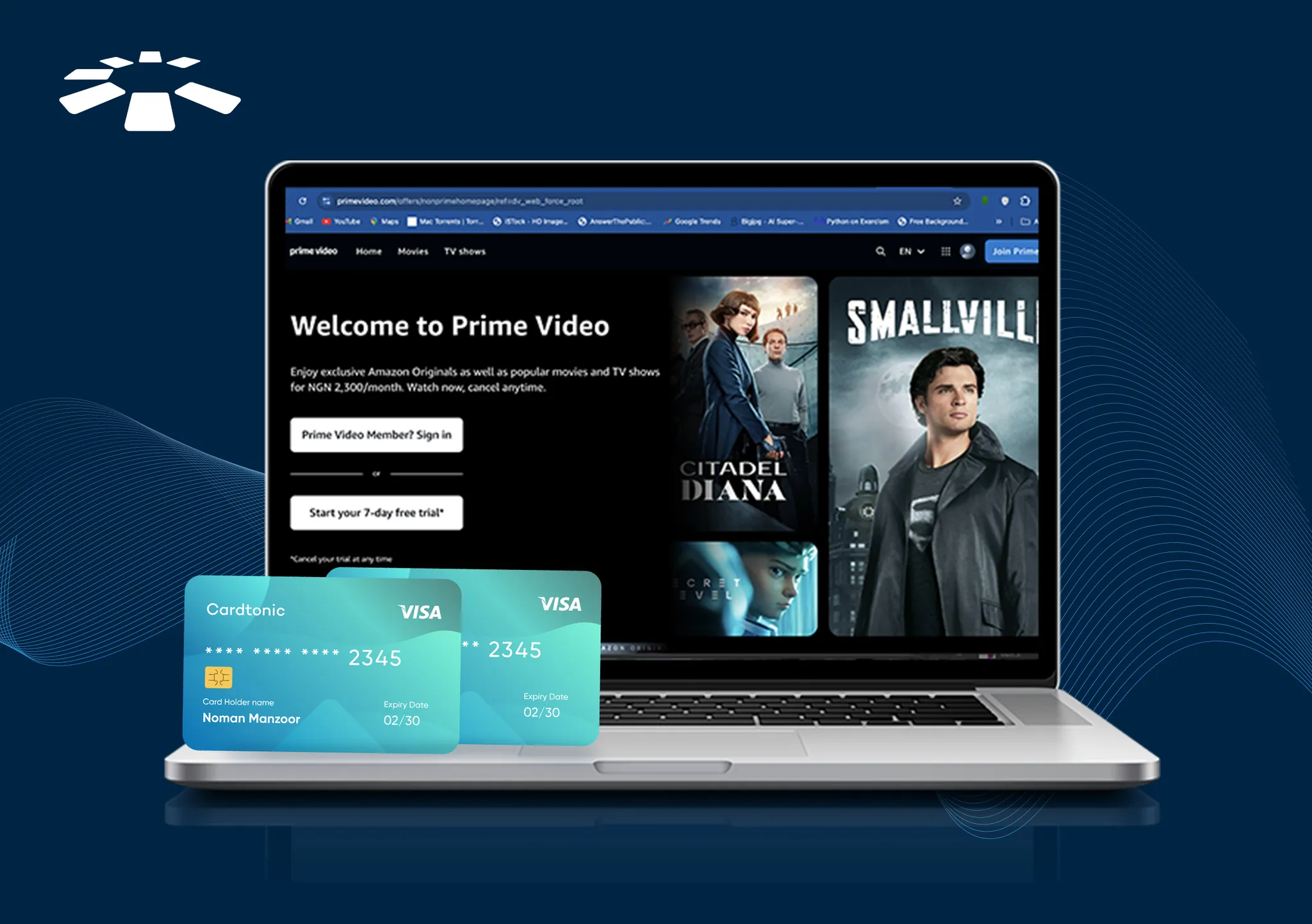
Have you ever had that random urge to rewatch a show you love, and suddenly it feels like the internet is hiding it from you?
That was me the day I decided I needed to rewatch The Office. Not casually. Not “maybe later.” I needed it. I searched every streaming platform I already use. Nothing.
And yes, I know there are “free” websites. But let’s be real, they come with baggage. Endless pop-ups. Fake download buttons. Redirects that open five new tabs you didn’t ask for. And the very real risk of malware, viruses, or data exposure. Free isn’t really free when it costs you security.
So when I saw on Instagram that The Office is available on Amazon Prime, I immediately downloaded Prime Video.
Problem solved? Not quite.
Because that’s when I discovered that paying for Prime Video subscriptions from Nigeria isn’t always as simple as tapping “Subscribe.” My card declined. Then declined again. And just like that, what should’ve been a two-minute sign-up turned into a deep dive into international transactions, dollar cards, and payment workarounds.
If you’ve been there, this guide will save you the stress and help you understand how much Prime Video subscription in Nigeria really costs and how to pay without frustration.
4 Ways to Pay for Amazon Prime Subscription in Nigeria
You can pay for an Amazon Prime subscription in Nigeria using four main methods: a Nigerian debit or credit card, a dollar card linked to a domiciliary account, an Amazon gift card redeemed into your account balance, or a virtual dollar card provided by a fintech platform.
1. Pay with a Nigerian Debit or Credit Card
This was my first attempt. Logical, right? Brought out my Visa debit card and entered the details, but it didn’t go through. Well… sometimes, it does. And sometimes, it absolutely doesn’t.
What I discovered is that most Nigerian cards fail because:
- International transactions are disabled by default.
- The bank blocks foreign subscriptions for “security reasons.”
- There are FX spending limits.
- The card simply isn’t configured for recurring USD charges.
If you want to try this method, here’s what actually helps:
- Call your bank or check your app to enable international transactions.
- Confirm your card supports recurring online payments.
- Make sure you have enough balance to cover exchange rate fluctuations.
For some people, this works after one quick call to the bank. For others (like me at first), it still declines. That’s when I realized I needed a cleaner solution.
2. Use a Dollar (USD) Card
This is where things started making sense.
Amazon charges for Prime subscriptions in USD. So if you’re paying with a naira card, your bank has to:
- Convert the currency.
- Approve the foreign transaction.
- Allow recurring billing.
That’s a lot of steps where something can go wrong.
When I switched to using a USD card, the difference was immediate. No conversion drama. No FX guesswork. No surprise declines.
If you have access to a domiciliary account with a USD card or can get a dollar card through a fintech platform, you’ll likely experience a much smoother payment process.
This is honestly one of the most reliable ways to pay for Prime Video subscriptions from Nigeria, especially if you plan to explore Amazon Prime TV channels and additional Prime Video channels later on.
3. Pay with an Amazon Gift Card
The next month, when it was time to renew, I remembered something from my research spiral: paying with a gift card. And I thought, what if I just don’t use my card at all?
That’s when I tried an Amazon gift card.
Here’s how this works:
- You buy an Amazon gift card (I got mine from Cardtonic).
- Then redeem the gift card in your Amazon account.
- Use the balance to pay for your Prime subscription.
Just make sure you’re buying from a reliable source and factoring in any possible markups. As a workaround? It’s solid. Especially if your bank keeps blocking your card.
4. Use a Virtual Dollar Card from Cardtonic
This turned out to be my “why didn’t I do this earlier?” moment.
Virtual dollar cards are basically digital USD cards you can create through certain fintech apps. You fund them, generate the card details, and use them like a normal debit card online.
Why this works so well:
- It’s already in USD.
- It’s built for online payments.
- It bypasses most traditional bank restrictions.
I created one through Cardtonic (gave it a try after thorough research), and once I linked the virtual dollar card to my Amazon account, the subscription went through without drama.
If you’re not sure how to create a dollar card, we’ve put together a simple step‑by‑step walkthrough on our YouTube channel that shows you exactly how to set one up.
If your Nigerian debit card keeps failing and you don’t have a physical USD card, this is usually your easiest and most flexible option.
Step-by-Step: How to Subscribe to Amazon Prime Video
After figuring out which payment method worked for me, subscribing became surprisingly simple. Here’s the process I followed, step by step:
- Log in or create an Amazon account – if you don’t have one yet, take a minute to set it up with your email and password.
- Go to the Prime subscription page – this is where you choose between monthly or yearly plans. I opted for yearly because I like avoiding repeated charges.
- Choose monthly or yearly billing – Prime Video plans start at about $8.99/month or $139/year (pricing may vary by region).
- Add your payment method – whether it’s your naira debit card, a gift card, or a virtual dollar card, this is the part where things usually get tricky.
- Confirm the subscription – Amazon will show you the total in USD (even if your card is in naira). Once confirmed, the subscription activates immediately.
Amazon will display the total in USD. Once payment is successful, your subscription activates immediately, giving you access to streaming, benefits, and Amazon Prime TV channels where available.
Common Payment Problems and Fixes
Payment for Amazon Prime in Nigeria may fail due to insufficient funds, blocked international transactions, expired cards, mismatched billing details, or unsupported recurring USD charges. Some users may also see “Subscription Not Available in Your Region.”
To fix this, enable international payments on your card, use a USD/virtual dollar card, redeem an Amazon gift card, or update your billing details and retry.
1. Card Declined:
Your card may be declined for several reasons. It could be due to insufficient funds, limits on foreign currency spending, or your bank blocking international transactions for security reasons.
Sometimes recurring USD charges aren’t supported by the card, which also leads to a decline. Essentially, the payment isn’t going through because the bank or card can’t process the transaction as Amazon requires.
How to fix: Enable international payments in your bank app or by calling your bank, ensure your card supports recurring USD charges, or switch to a USD/virtual dollar card or an Amazon gift card.
2. Payment Method Not Valid:
This usually happens when there’s an issue with the card itself or the details entered. For example, the card may be expired, the billing address may not match what the bank has on file, or the card type isn’t accepted by Amazon for Prime Video subscriptions. Even small mismatches can trigger this error, preventing the transaction from going through.
How to fix: Double-check that your card information is correct, update your billing address if needed, or try a different payment method.
3. Subscription Not Available in Your Region:
Sometimes, Amazon shows that a Prime subscription isn’t available in your region. This occurs if the country linked to your Amazon account doesn’t match the region where the service is available. Certain Prime Video channels, content, or subscription plans may be restricted based on your account location, even if you’re physically in a supported country.
How to fix: Check and update your account’s region settings, or use a payment method (like a gift card or USD card) that works regardless of your account’s linked country.
4. Problem Processing Your Payment:
This error usually appears due to temporary technical issues. It could be a problem with Amazon’s payment servers, the payment gateway, or even your internet connection. Sometimes the issue isn’t with your card at all, but with the system handling the transaction.
How to fix: Wait a few minutes and retry, clear your browser cache, or try an alternate payment method.
Frequently Asked Questions about Paying for Amazon Prime in Nigeria
How Much is an Amazon Prime Subscription in Nigeria?
Prime Video subscriptions are charged in USD. As of 2026, the monthly plan is $14.99/month, while the yearly plan is $139/year, which usually offers savings compared to paying month by month.
Can I Pay for Amazon Prime with a Nigerian Naira Card?
Yes, sometimes. If your card supports international transactions and your bank doesn’t block recurring USD payments, it should work. In my experience, it often requires enabling international payments through your bank first. Otherwise, declines are common.
Why is my Nigerian Card Not Working on Amazon Prime?
Most declines occur due to currency conversion, international transaction limits, or bank security restrictions. Sometimes it’s as simple as an expired card or a billing address mismatch. That’s why I eventually switched to a virtual dollar card; it bypassed all these issues.
Is Amazon Prime Available in Nigeria?
Yes. You can stream Prime Video subscriptions, access movies and shows, and explore available Prime Video channels.
Is Netflix Better Than Prime?
I started with Prime Video just to watch The Office, and I was impressed by its huge library and 4K streaming included with the base plan. Netflix, though, shines with original hits like Stranger Things and Squid Game, and its recommendations are super smart. For me, Prime is great for variety and value, while Netflix is better for must-see originals. Having both feels like the perfect balance.
Can I use MTN to subscribe to Prime Video?
Yes, but only for Prime Video Mobile Edition. MTN Nigeria lets you pay with airtime for the mobile-only plan (around ₦800/month), which supports one device in standard definition.
For a regular Amazon Prime subscription, MTN airtime or MoMo isn’t supported; you’ll need a debit/credit card, gift card, or virtual dollar card to pay in USD.
Conclusion
Paying for Amazon Prime in Nigeria might seem complicated at first, but once you know your options, it’s straightforward.
You can use a Nigerian debit card, a USD card, an Amazon gift card, or a virtual dollar card. Personally, I found using a gift card or virtual dollar card the smoothest option. Cardtonic allows you to buy Amazon gift cards and create virtual cards, making the process smooth and stress-free.
The takeaway: pick the method that works for you, set up your Prime Video subscription, explore Prime Video channels, and start streaming — without the headache.

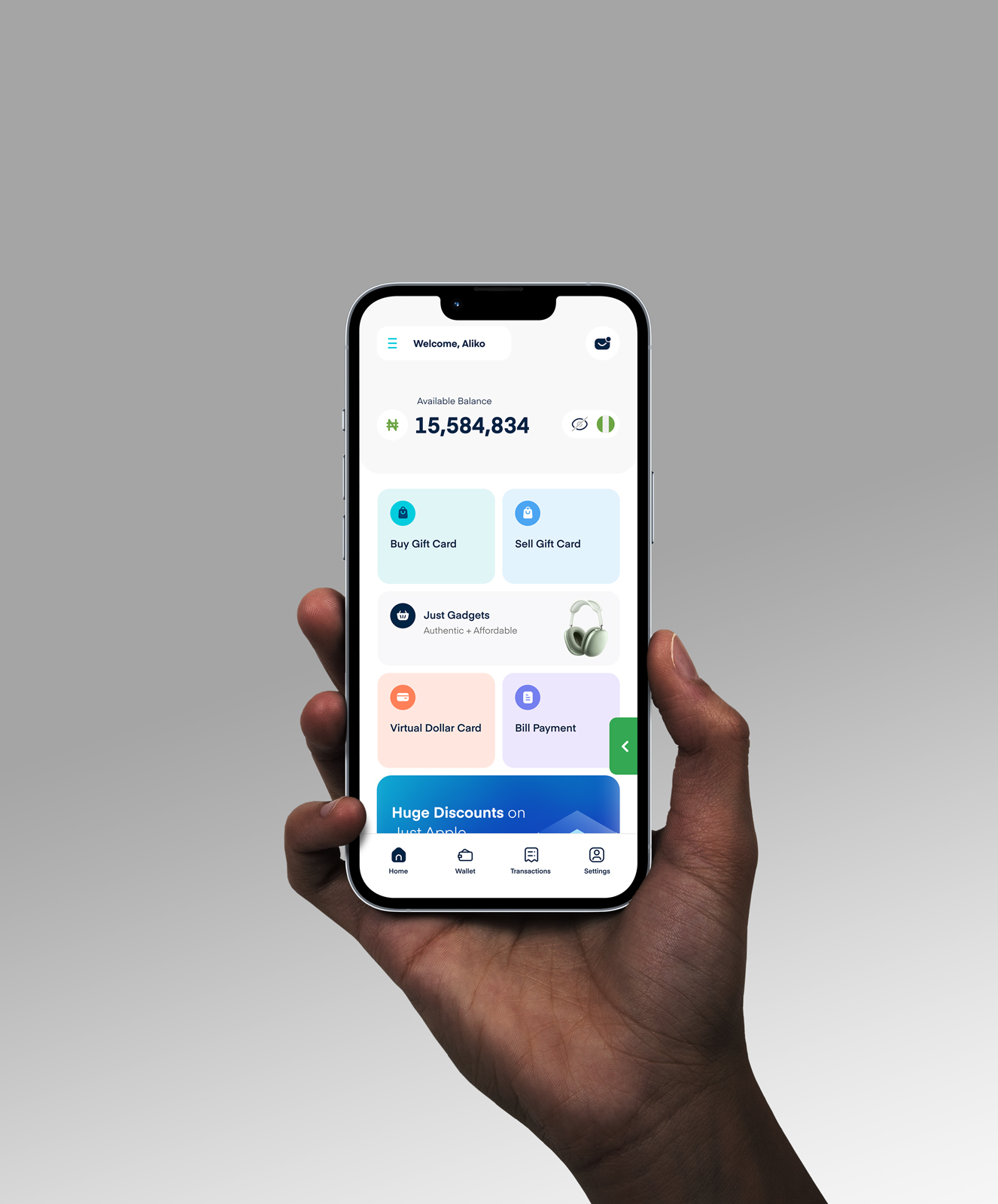
 Get on iPhone
 Get on Android